


We introduce Ultima Migration — a unique platform that allows you to receive new MIGC, MIGU, and MIGX tokens by purchasing special minting contracts. You can pay for these packages using euro balances of PLC, PLCU + PLCUC, and PLCUX, which were credited on a one-to-one basis for your historical purchases of previous-generation products — paid in fiat, as well as BTC and USDT.
The MIGC, MIGU, and MIGX tokens are minting tokens and are credited in equal portions over 360 days after purchasing the special packages. Dedicated splitting pools will be launched for MIGC, MIGU, and MIGX, where users will be able to freeze these tokens and receive rewards.
The launch of Ultima Migration is an important strategic step toward uniting all products into a single, modern ecosystem. In this guide, we will show how the platform works and how to use it.
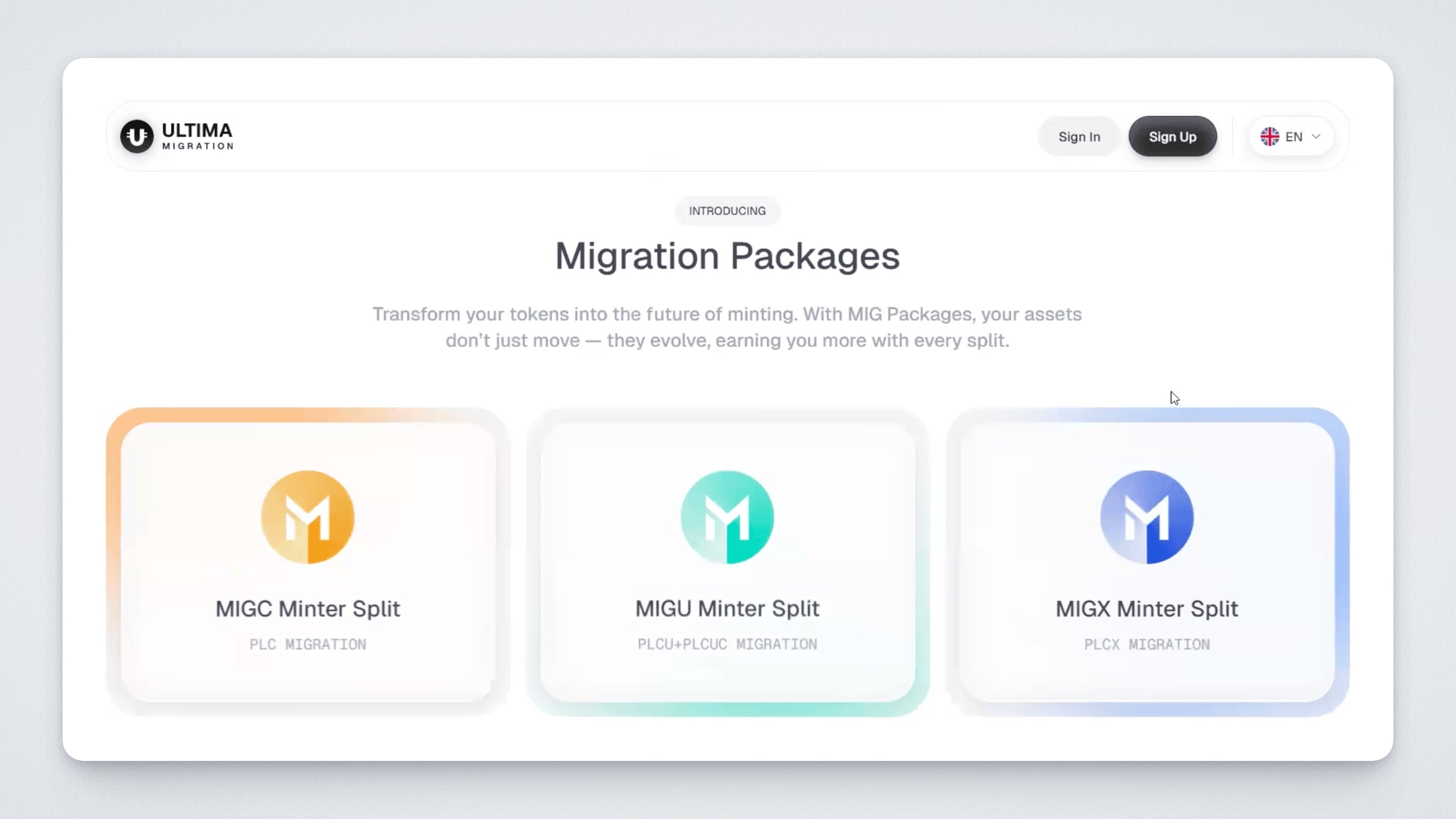
Open the Ultima Migration platform. Click “Sign In” at the top of the screen and sign in via Platin Passport.
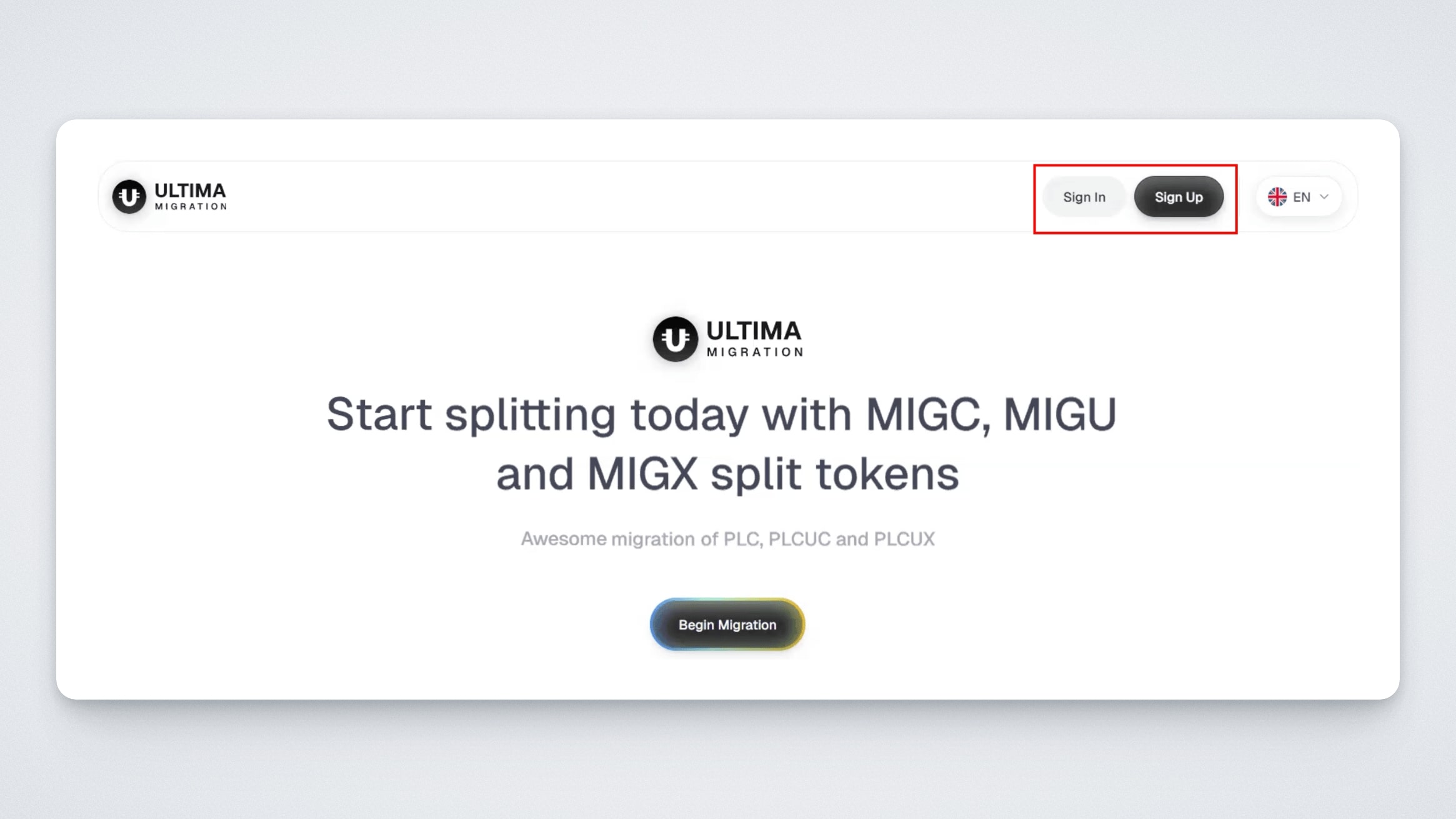
Upon first login, accept the legal documents (Terms and Conditions).
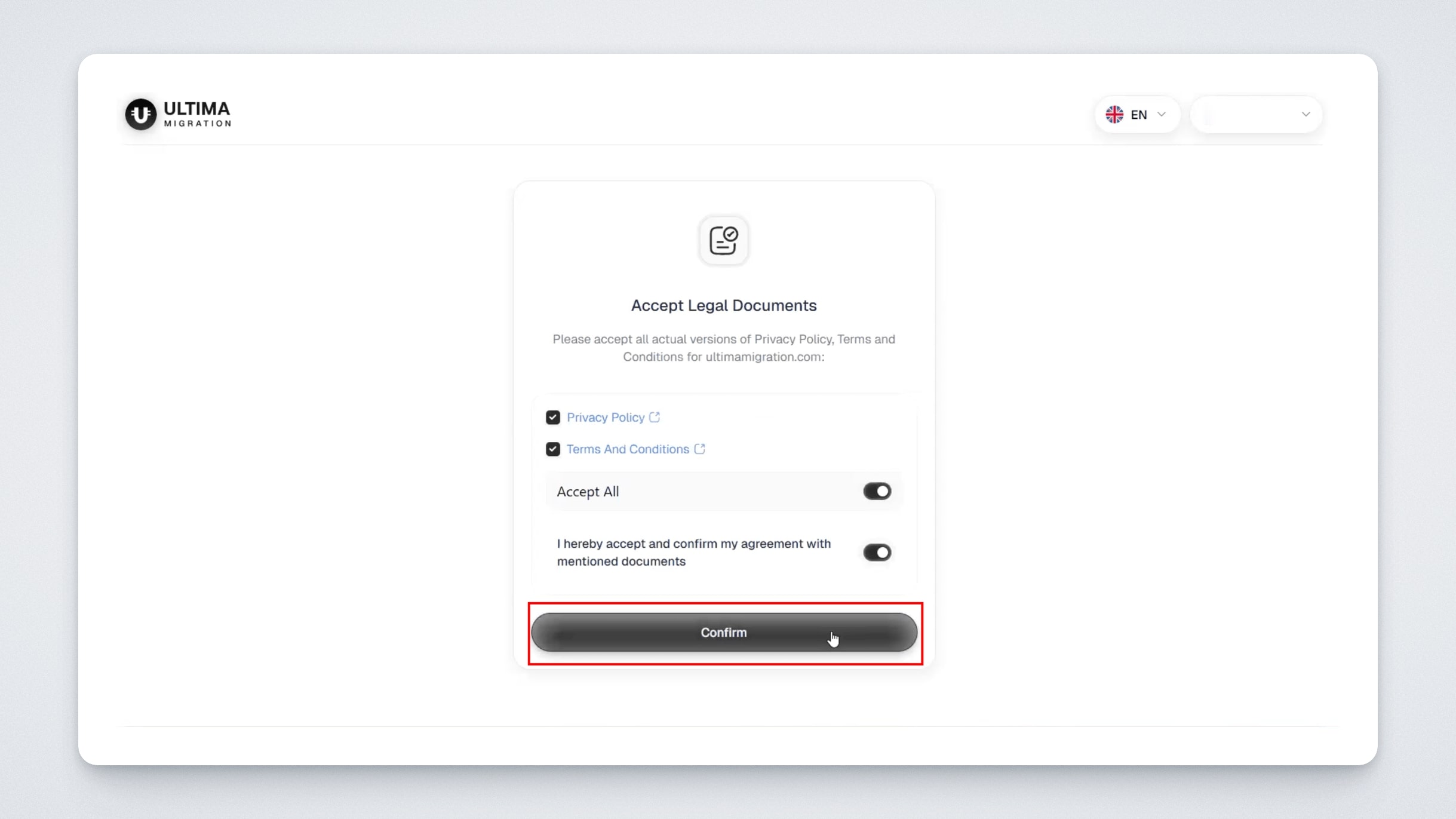
Your dashboard will then open:
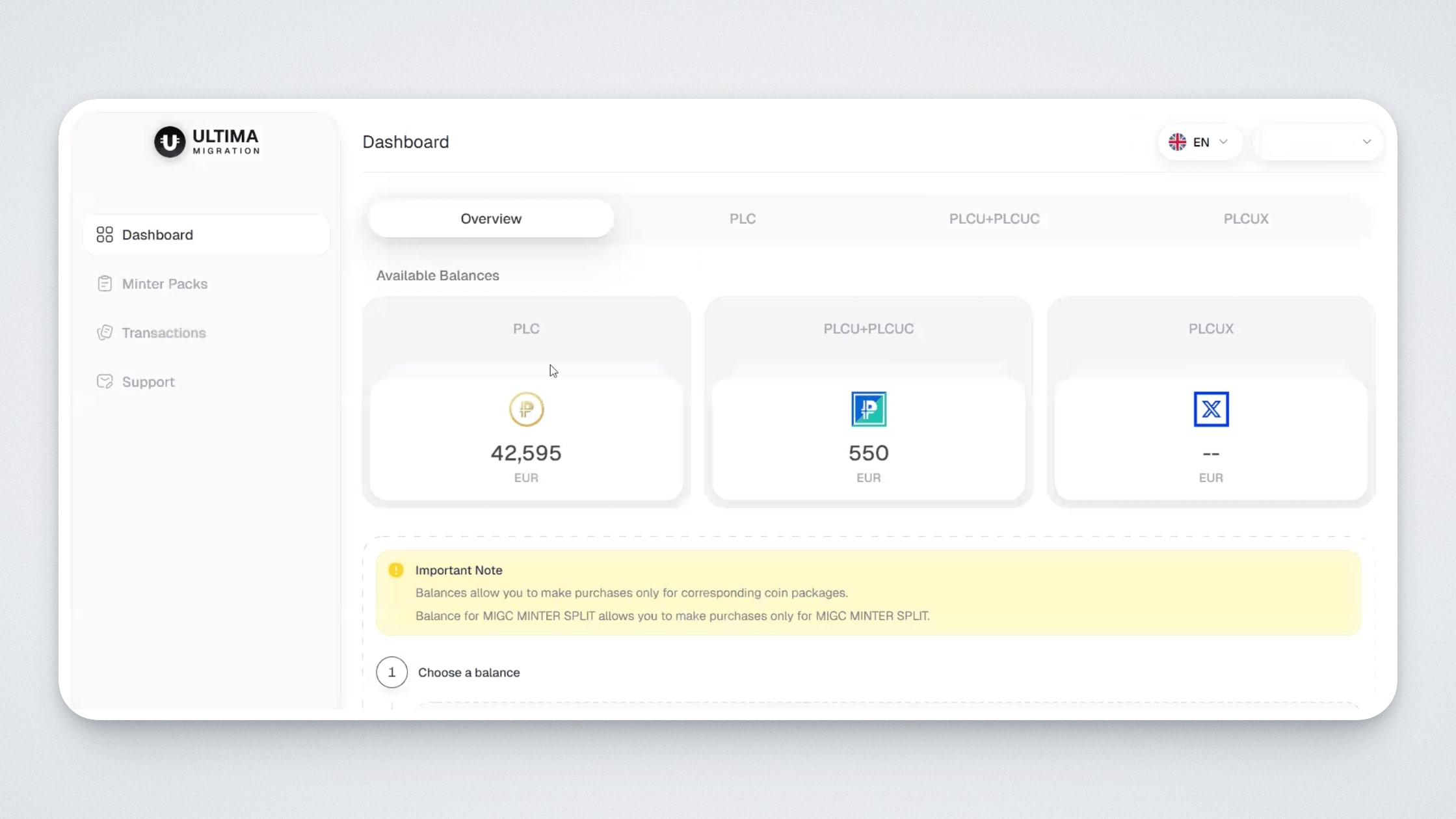
On the main page, you will see three euro balances (important: these are euro balances, not PLC/PLCU tokens), each with its corresponding logo. These balances are credited one-to-one in euros for specific historical purchases on Platincoin and Ultima Farm, made using fiat payment methods, as well as BTC and USDT. Each balance has its own corresponding tab (PLC, PLCU / PLCU Classic, PLCUX). The Platincoin balance corresponds to the MIGC token, the PLCU + PLCUC balance corresponds to the MIGU token, and the PLCUX balance corresponds to the MIGX token.
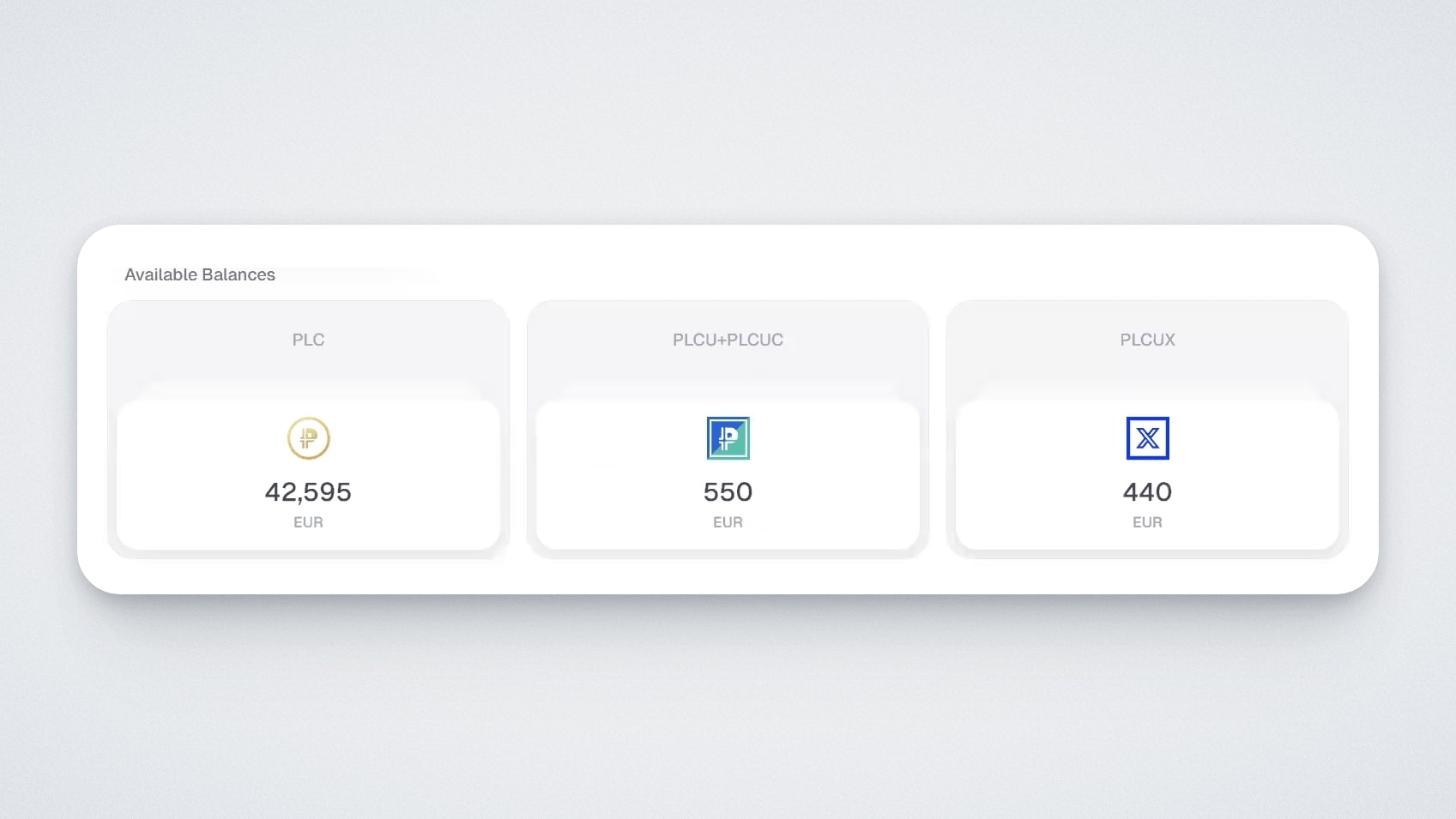
To view details of each balance, open the corresponding tab (in this guide, we use the PLC tab as an example).
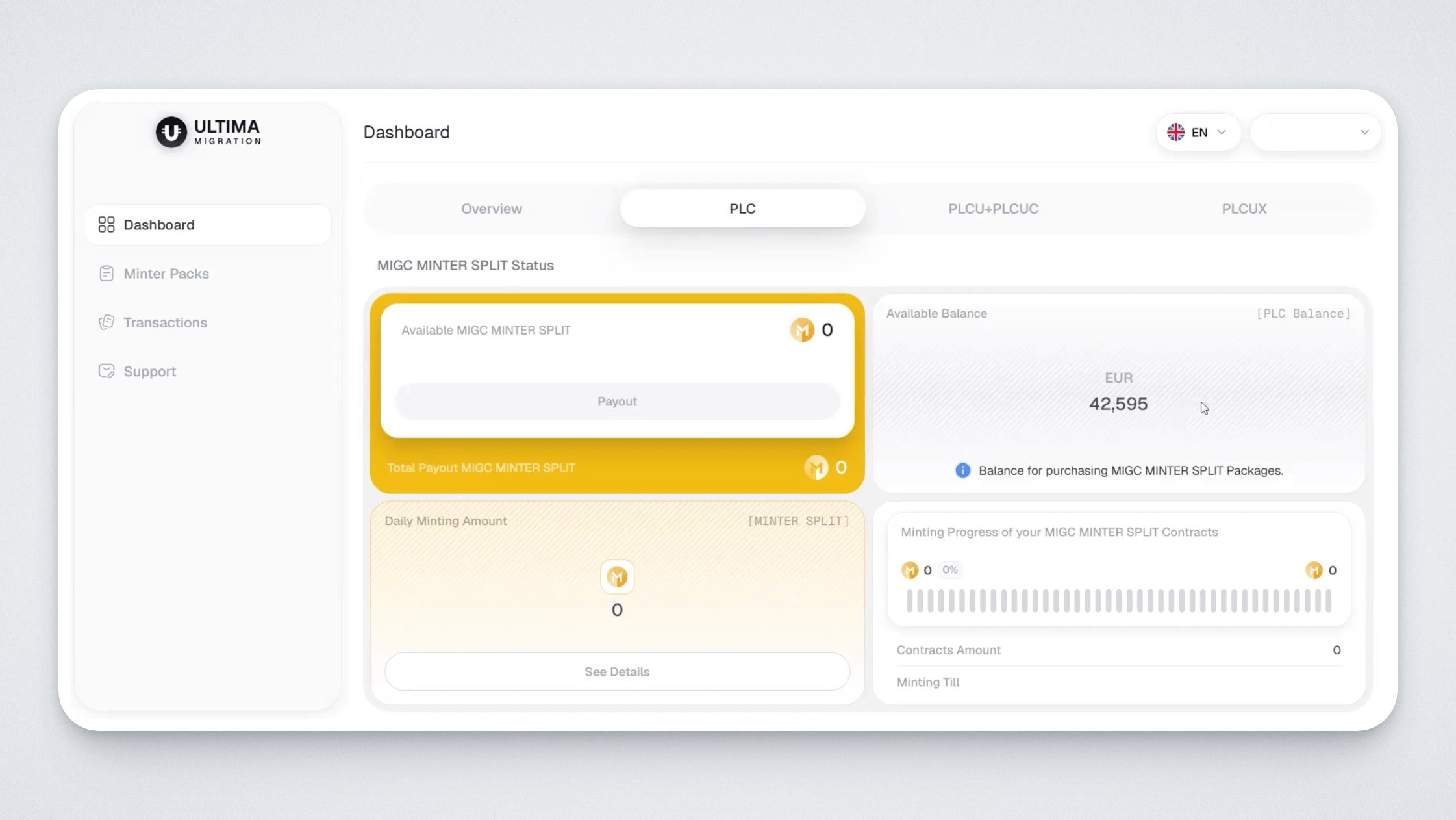
- On the “Available Balance” widget, you will see your available balance in euros, which can be used to purchase minting packages.
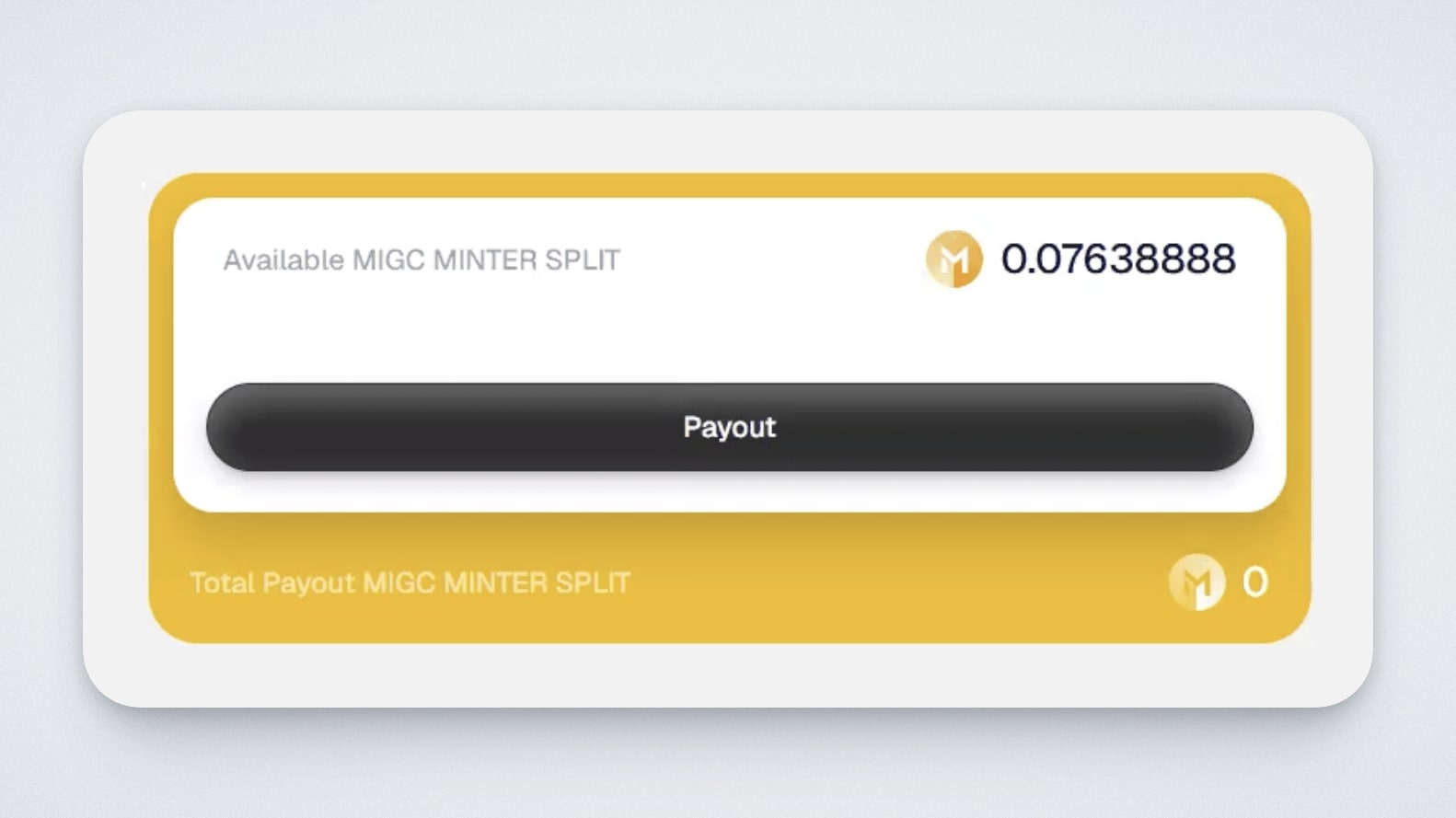
- The “Available MIGC MINTER SPLIT” widget displays your withdrawable balance of MIGC tokens.
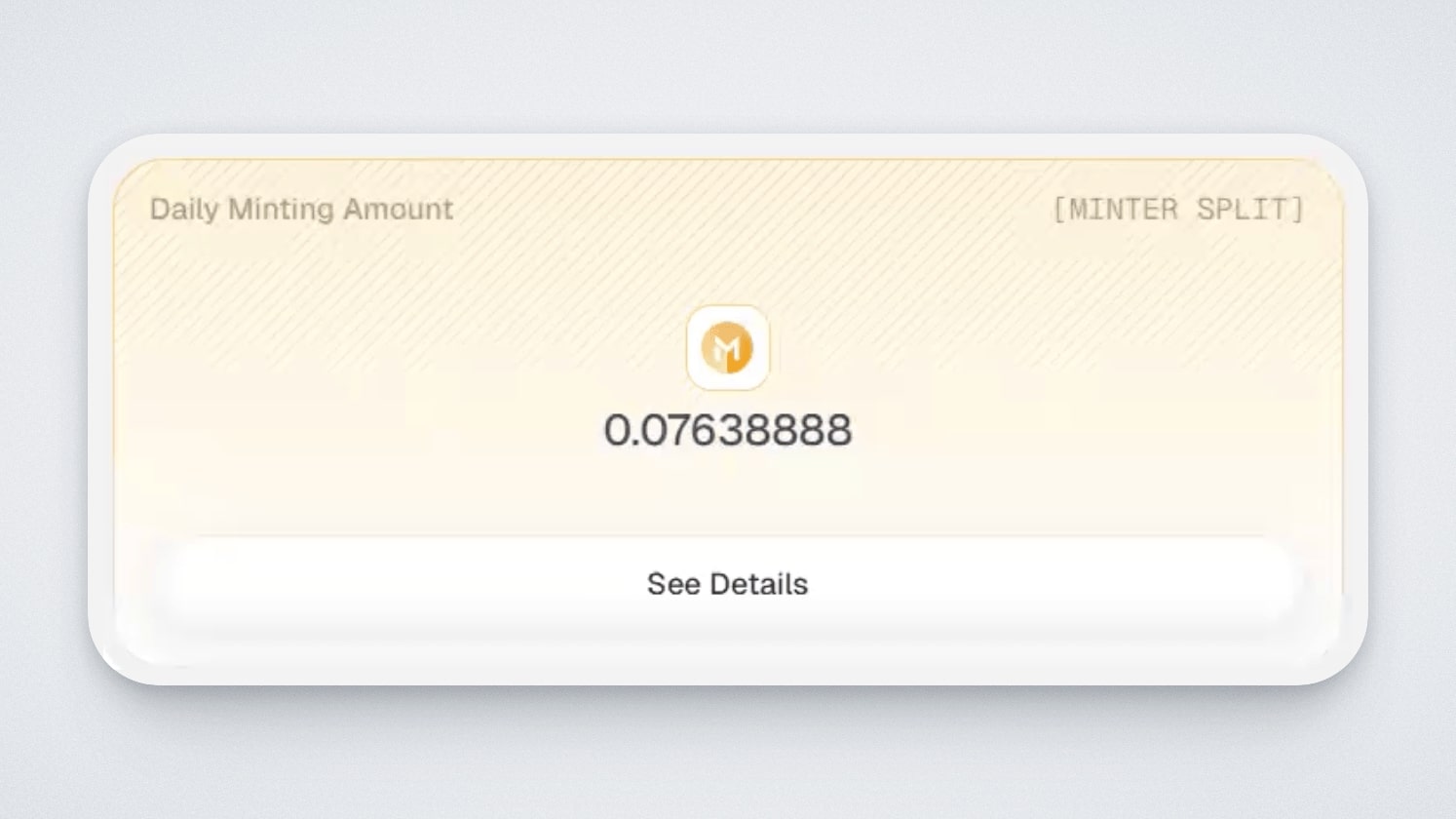
- The “Daily Minting Amount” widget shows the user’s daily payouts from the packages.
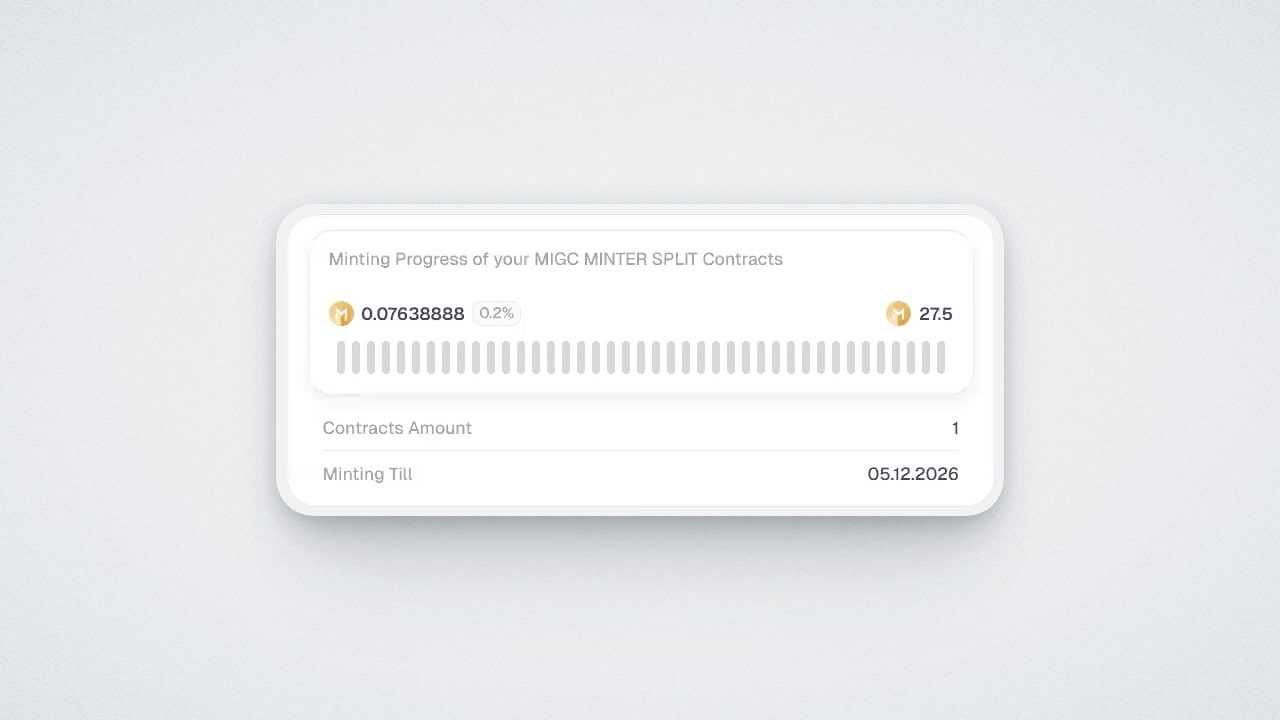
- The “Minter Progress” widget shows how many MIGC, MIGU, or MIGX tokens have been generated under the purchased package. The “Contracts Amount” field indicates the number of purchased packages. The “Minting Till” field shows the date until which the user will continue receiving rewards.
How are the balances formed?
When calculating balances, purchases made using fiat payment methods, as well as BTC and USDT, were taken into account. Purchases made using other payment methods are not included in the calculation: t-cash, bonus balances, MLM bonuses, gift packages, and any non-fiat mechanisms.
Transactions contain the fields “Price” and “Credited Amount”; it is the credited amount that forms the final euro balance you see on the dashboard.
You can view balance accruals in the “Transactions” — “Balance Statistics” section. This section displays the history of purchases for which balances were credited.
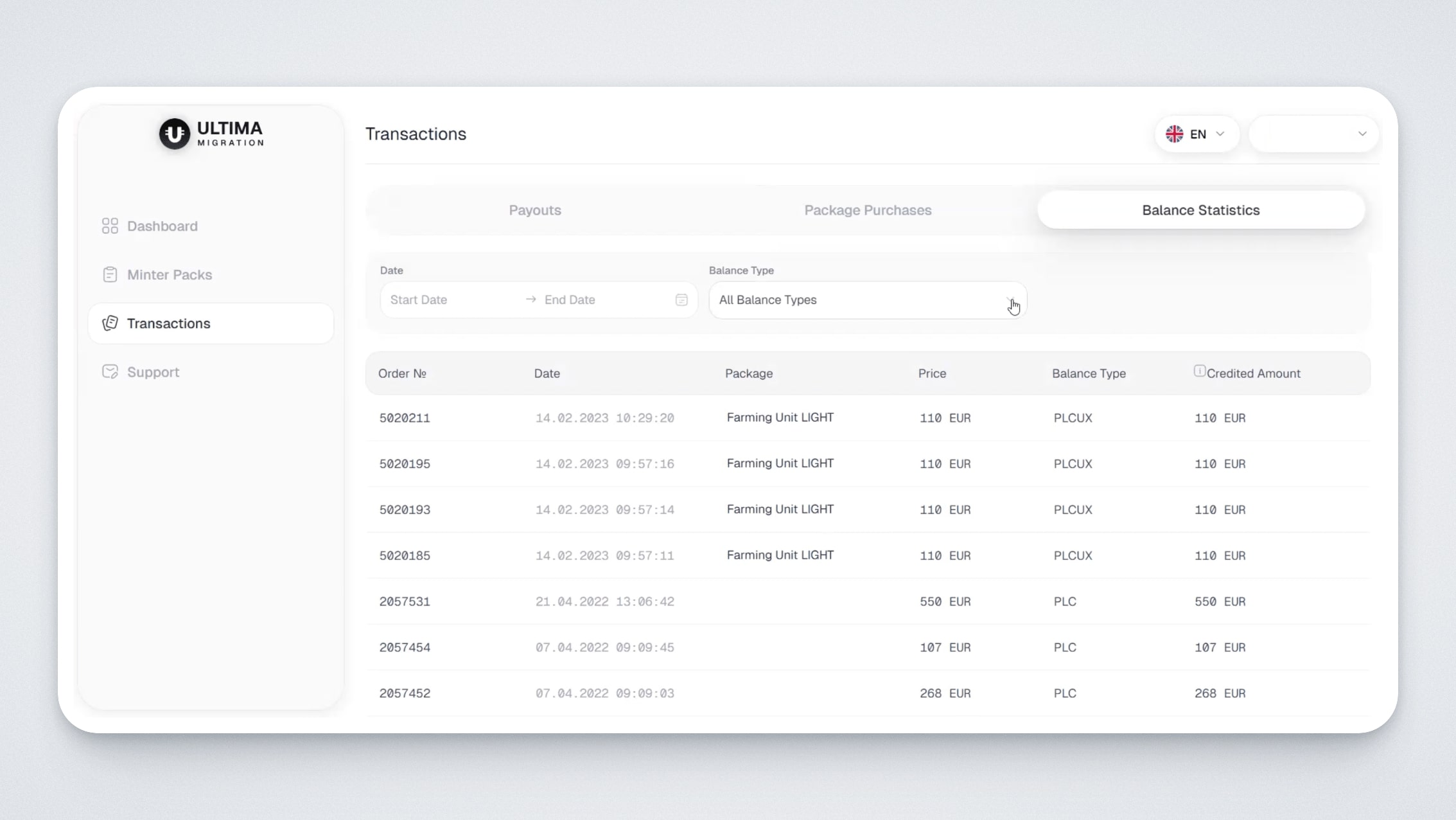
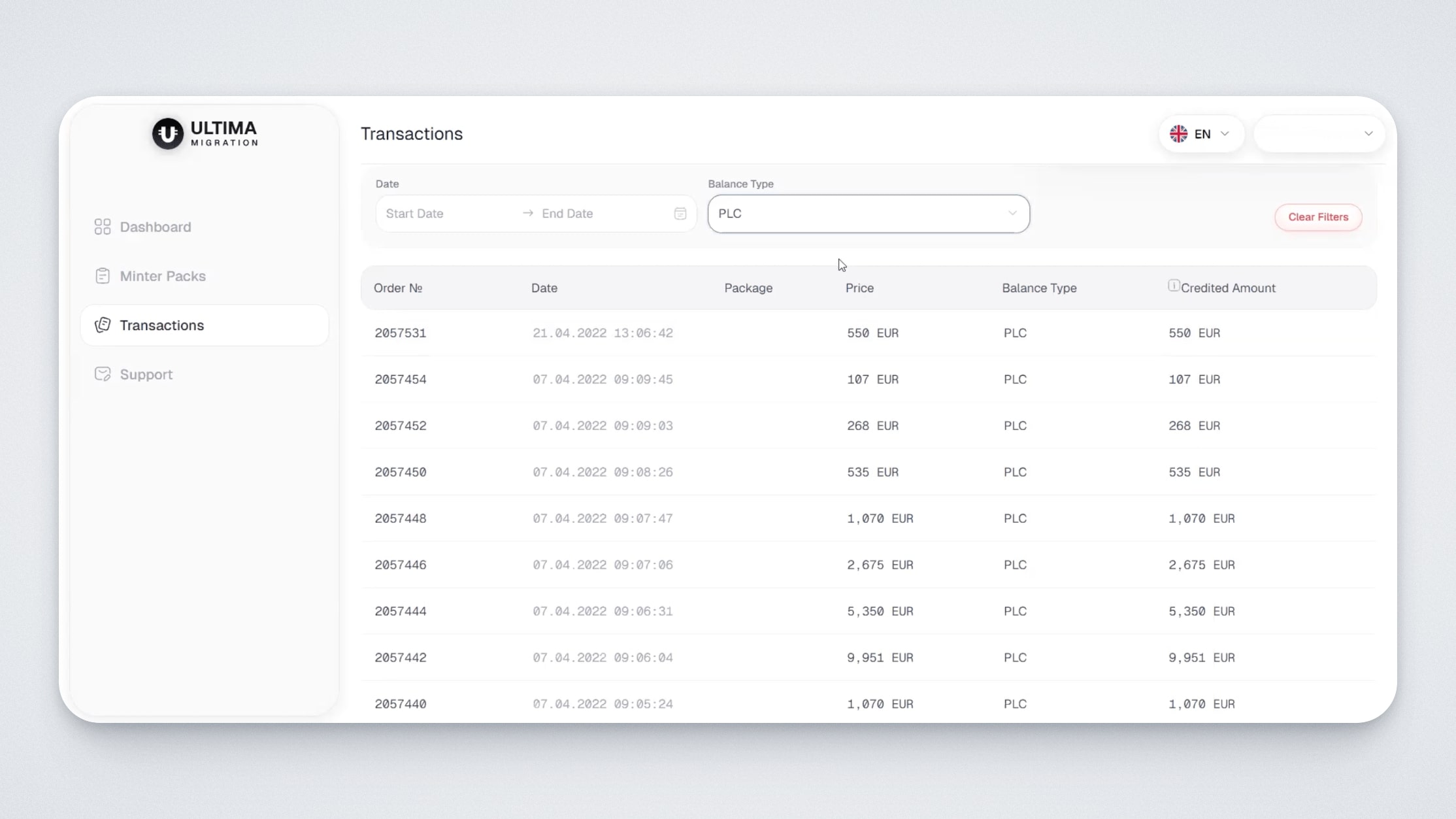
There, you can also select a specific balance type and filter purchases by it. This allows you to see the purchase date, purchased product, product price, and the balance credited for it on the Ultima Migration platform:
How to choose a package
Packages are divided by token type: MIGC, MIGU, MIGX.
Naming logic
- MIGC — migration packages for PLC (Platincoin): when purchased, you receive accruals in MIGC tokens.
- MIGU — migration packages for PLCU: when purchased, you receive accruals in MIGU tokens.
- MIGX — migration packages for PLCUX: when purchased, you receive accruals in MIGX tokens.
Important: you can only purchase packages within your own category. For example, from a MIGU balance, you can only purchase MIGU packages
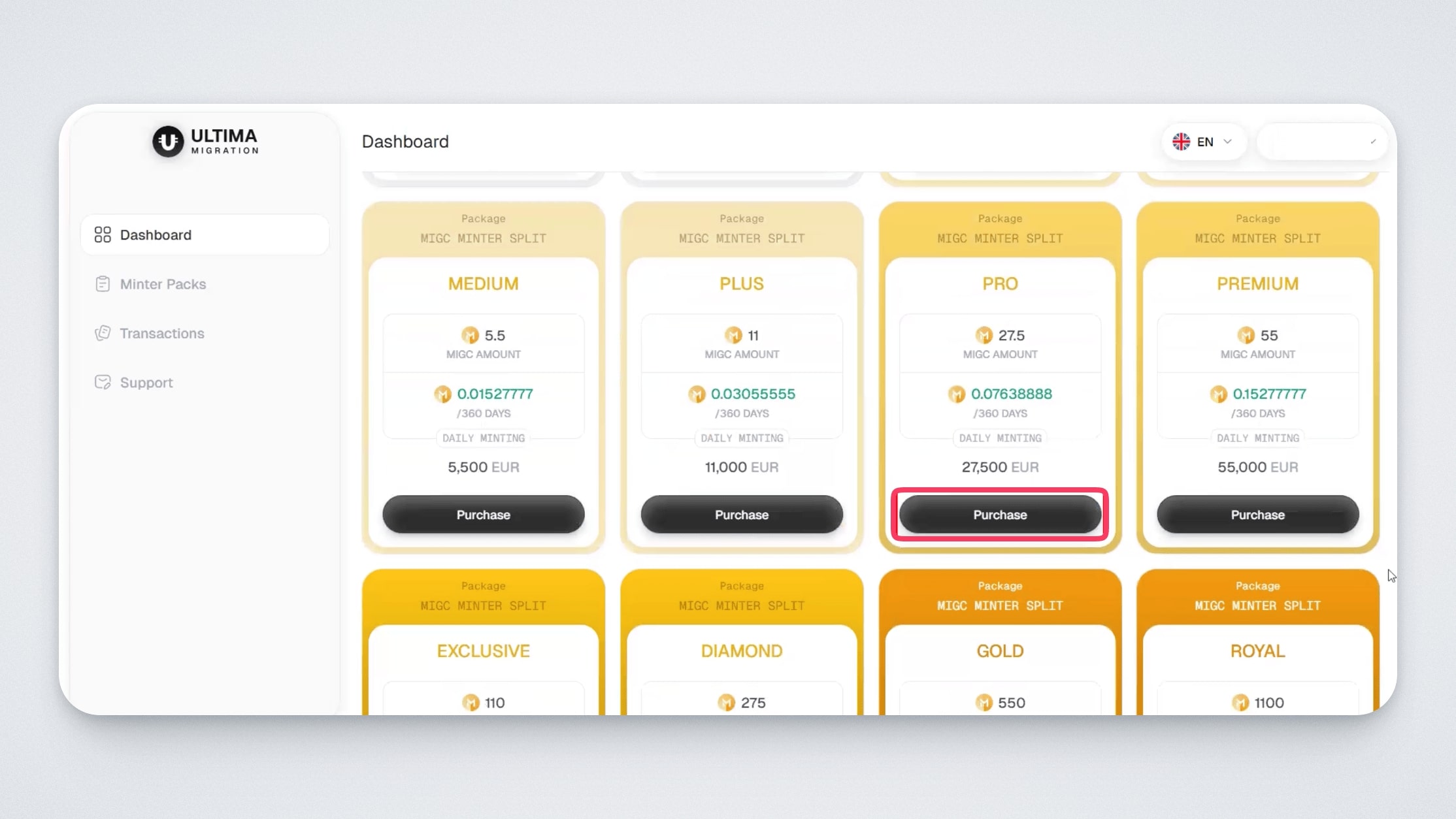
We will demonstrate the package purchase using PLC as an example. On the dashboard, go to the PLC tab and scroll down — you will see the packages available to you.
Each package displays how many MIGC you will receive upon purchase and how many MIGC will be credited to you daily.
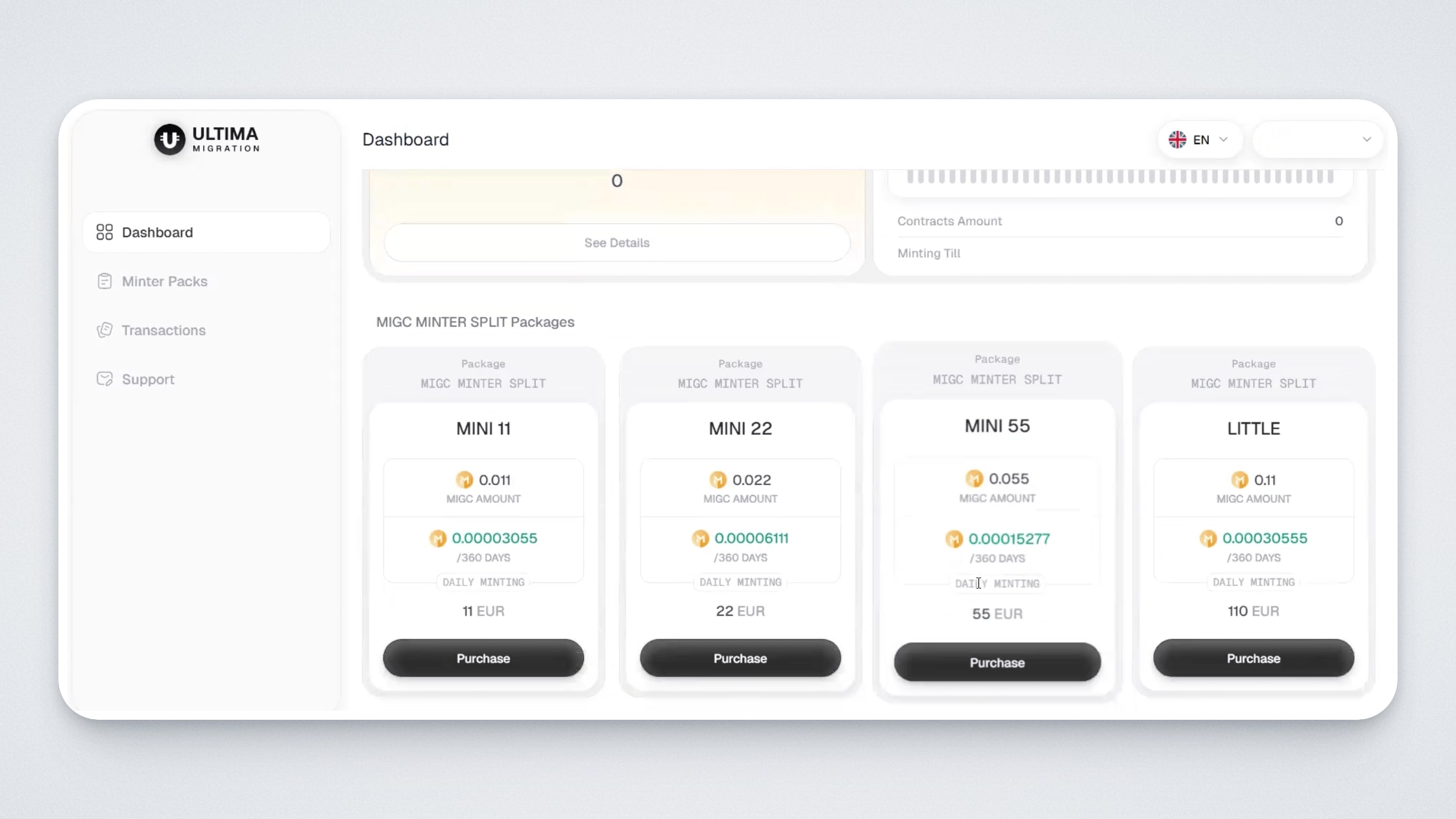
Select a package available within your balance and click the “Purchase” button. Please note: if the package price exceeds your balance, the purchase button will be inactive.
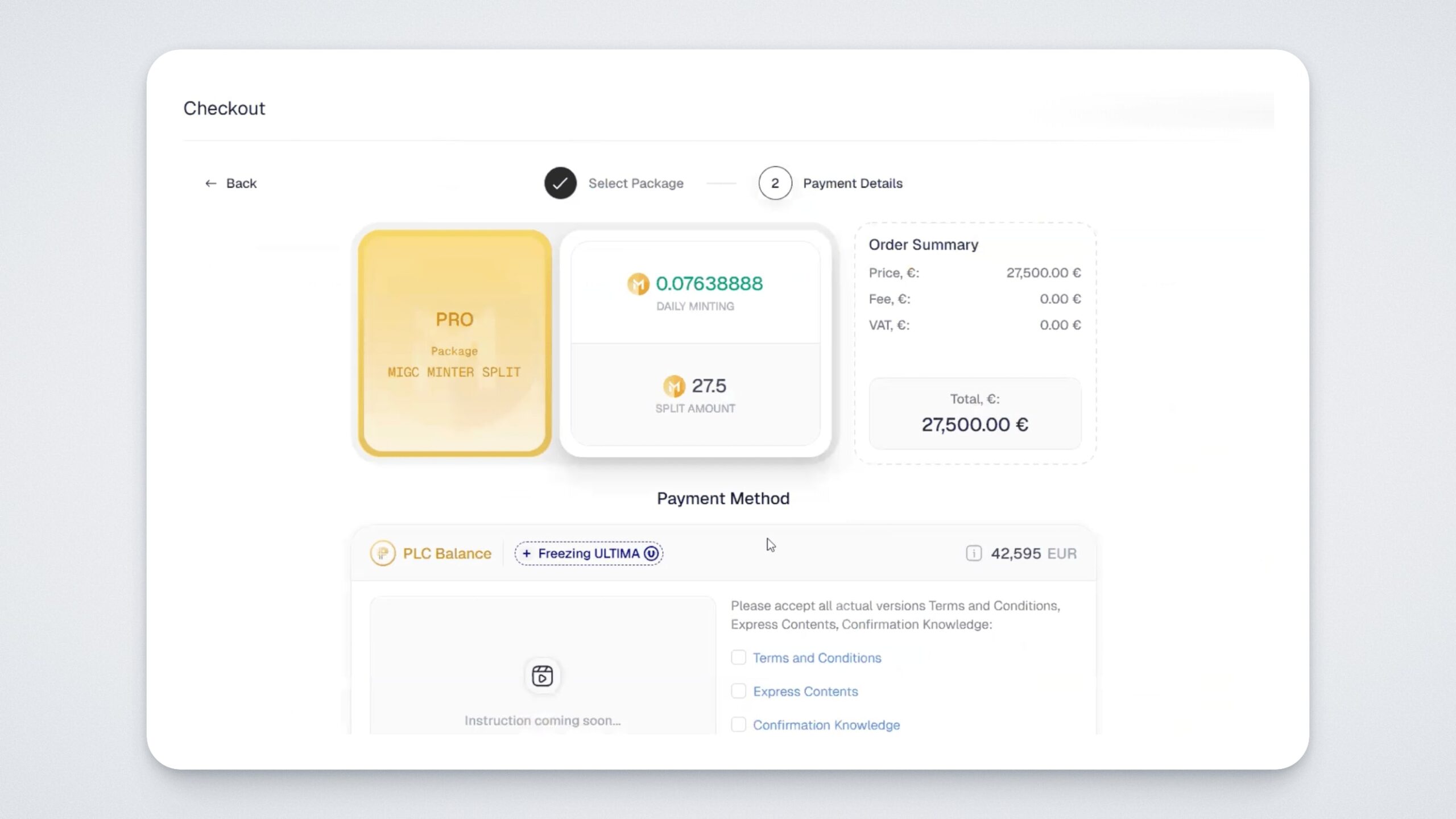
On the purchase page, verify the order amount and the payment method. In this case, the purchase will be made using PLC Balance with ULTIMA freezing.
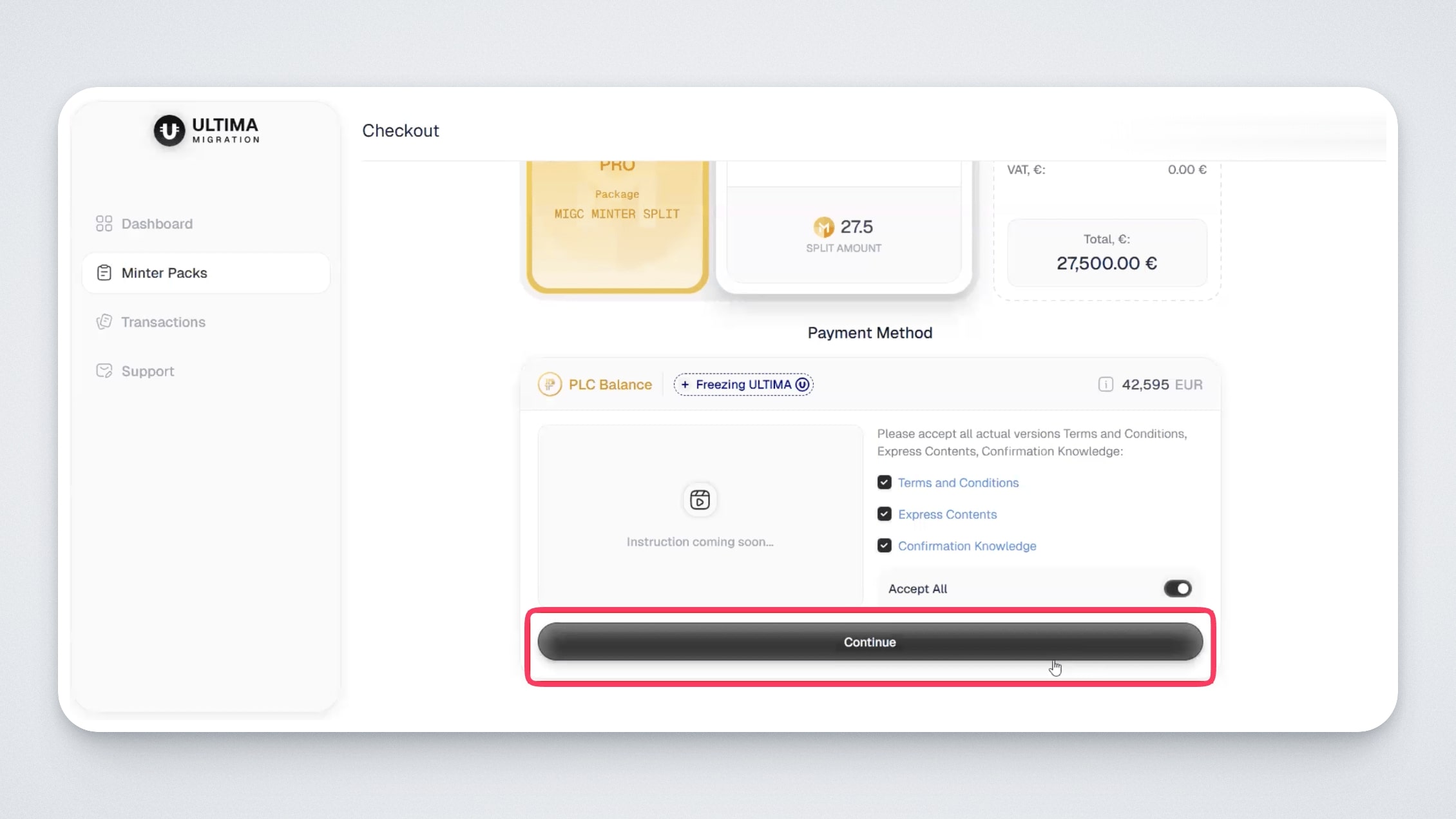
Accept the payment terms and click “Continue”:
At the second step, specify the wallet for Ultima unfreeze: during the purchase, Ultima will be frozen for three years. Please note that the ULTIMA URC-20 token (UChain network) will be frozen. Enter the wallet and click “Purchase”:
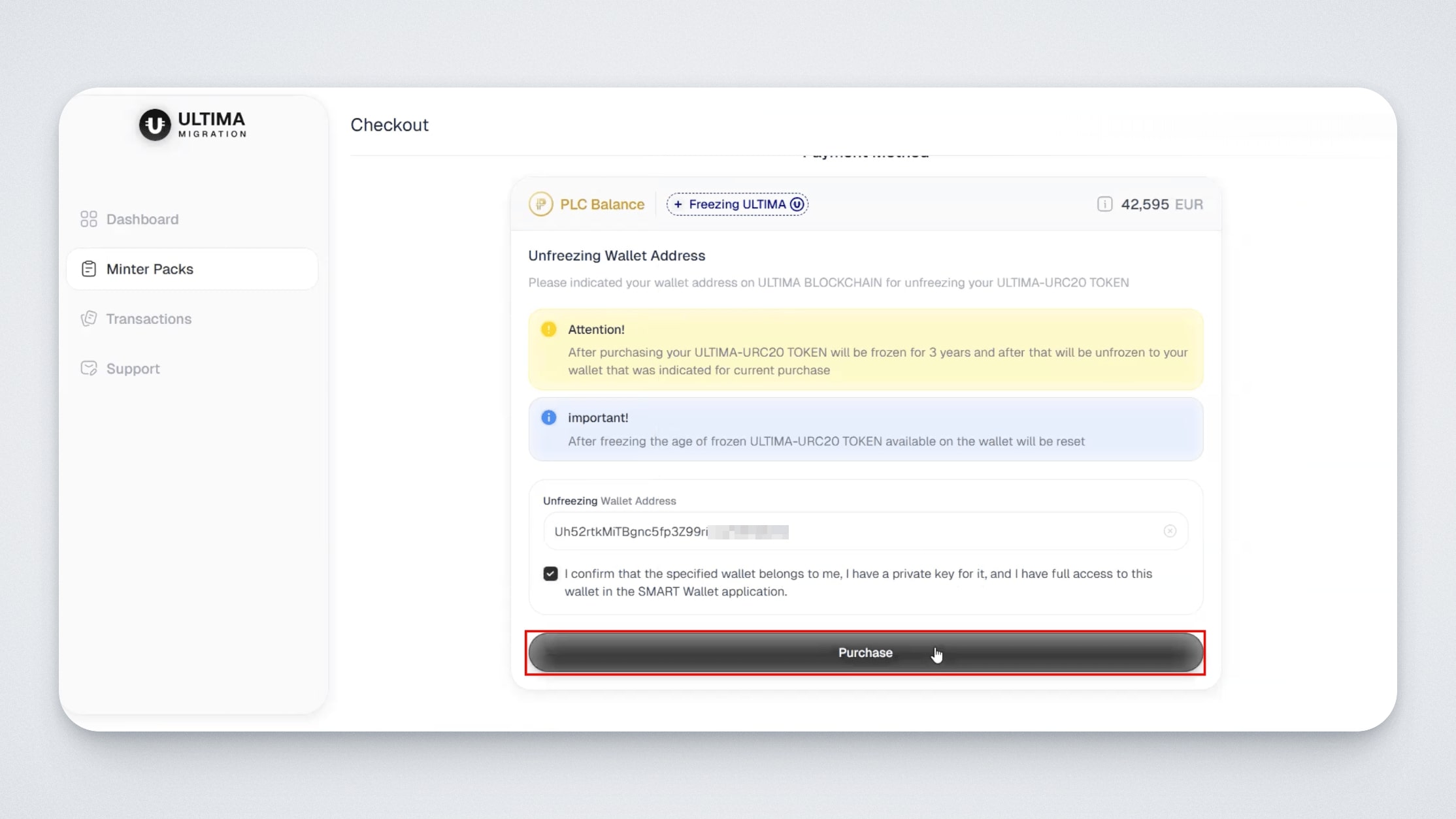
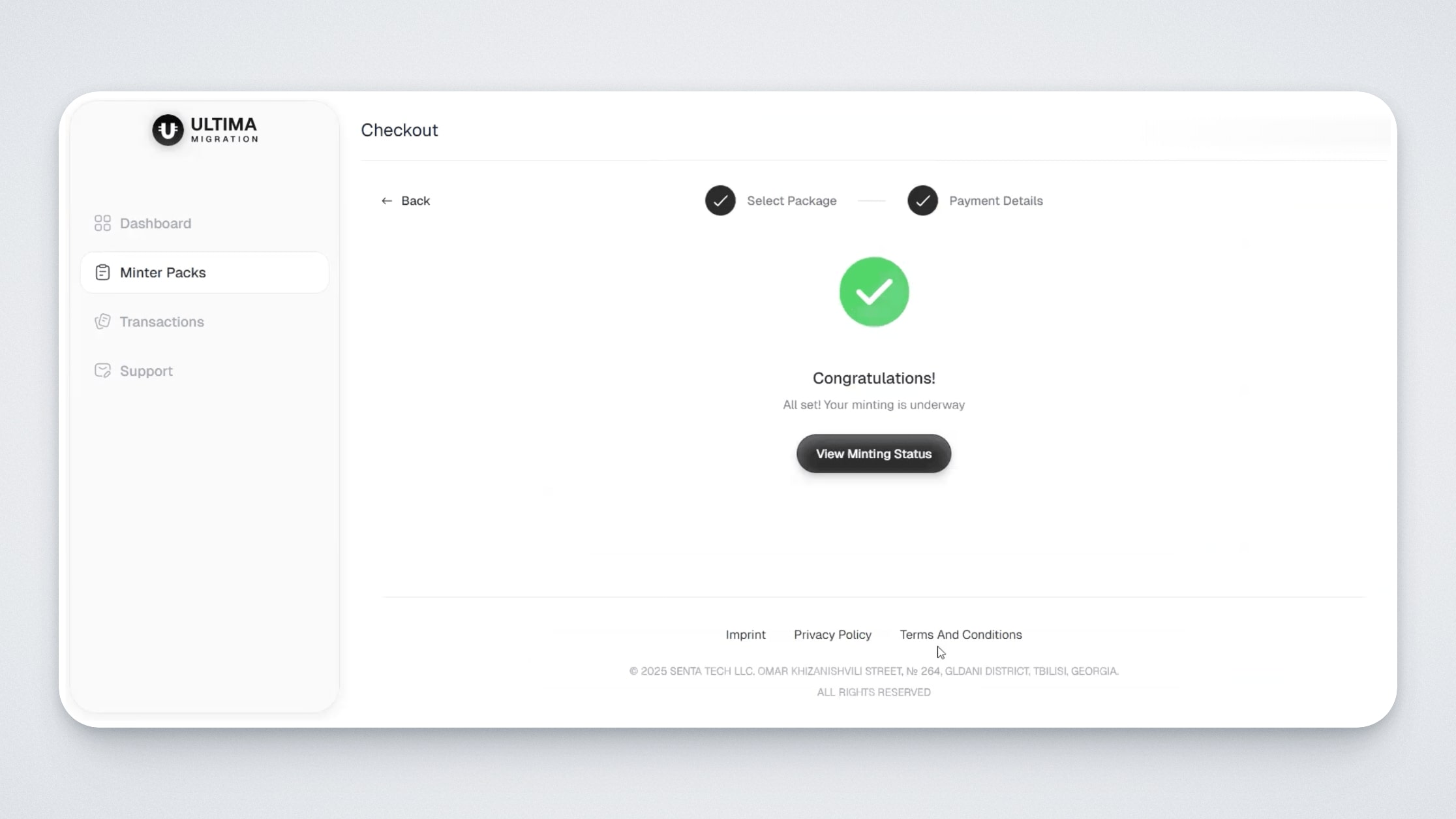
After successful payment, a confirmation message will appear.
The order will be displayed in transactions in the “Package Purchases” section.
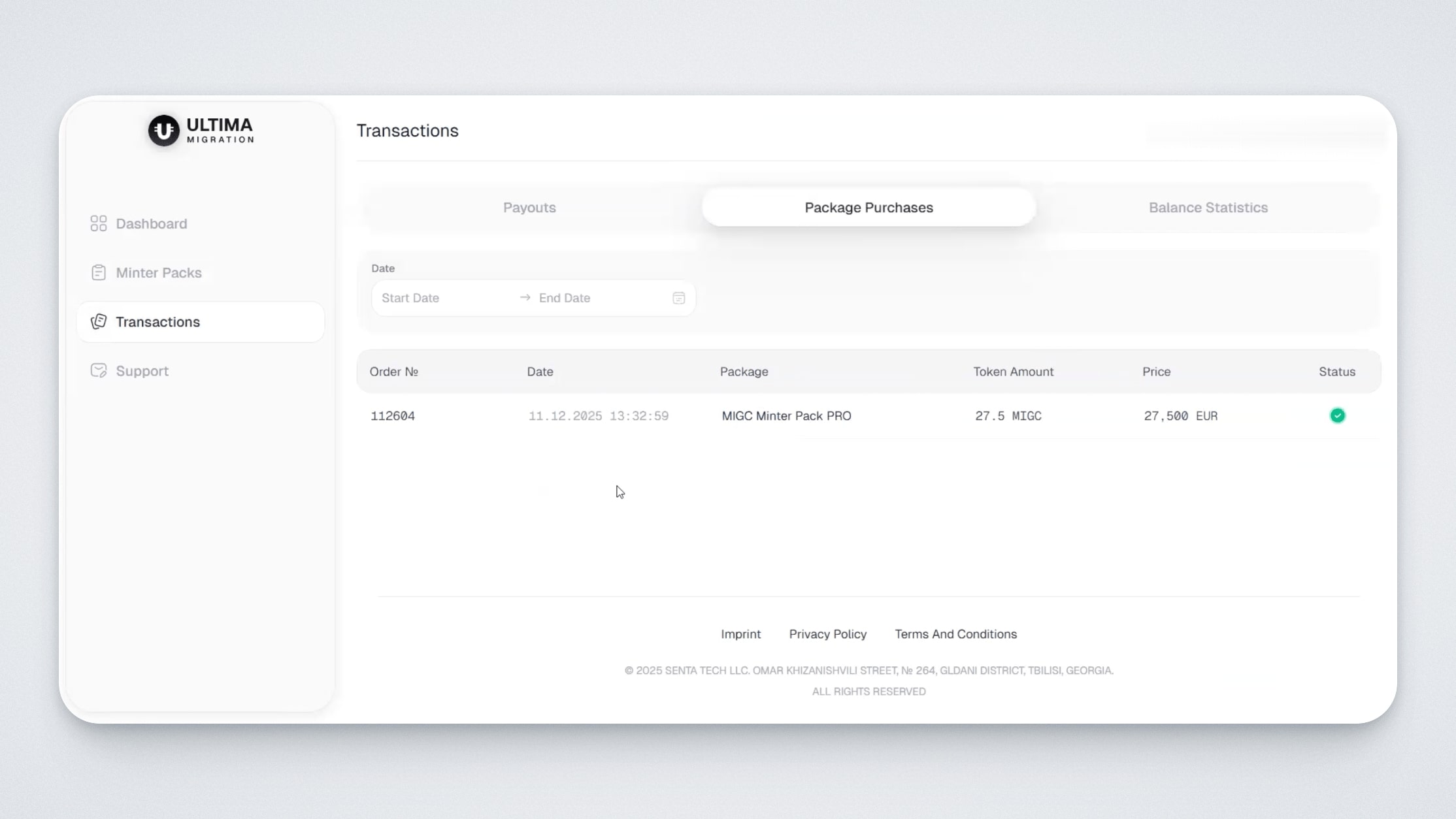
You will see the purchase date, order number, package type, number of credited tokens, price and payment status
What happens after purchasing a package?
The package cost is deducted from your euro balance, and the first daily payout is credited immediately.
Accruals are credited daily for 12 months, for a total of 360 payouts. You can see the full amount on the “Minter Progress” widget on the dashboard:
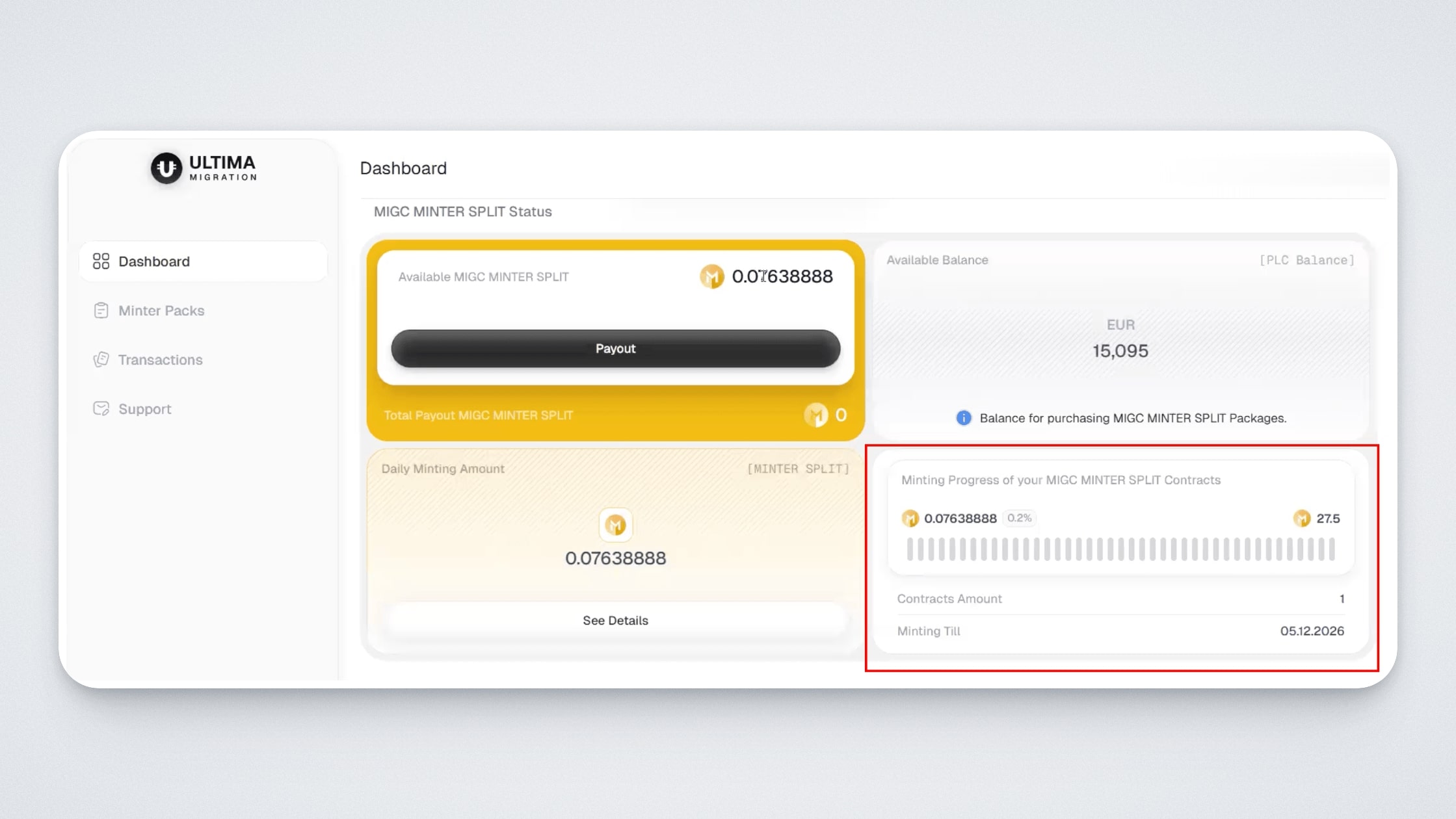
The dashboard also displays the amount credited to you daily in the “Daily Minting Amount” widget:
In addition, you will see a progress bar, the number of contracts (Contracts Amount), and the minting end date (Minting Till):
By clicking the “See details” button on the “Daily Minting Amount” widget, you will see more detailed information about your package: the package completion percentage, purchase date, the final date when all splits will be credited to the user’s balance, and the total amount that will be paid out after 360 days.
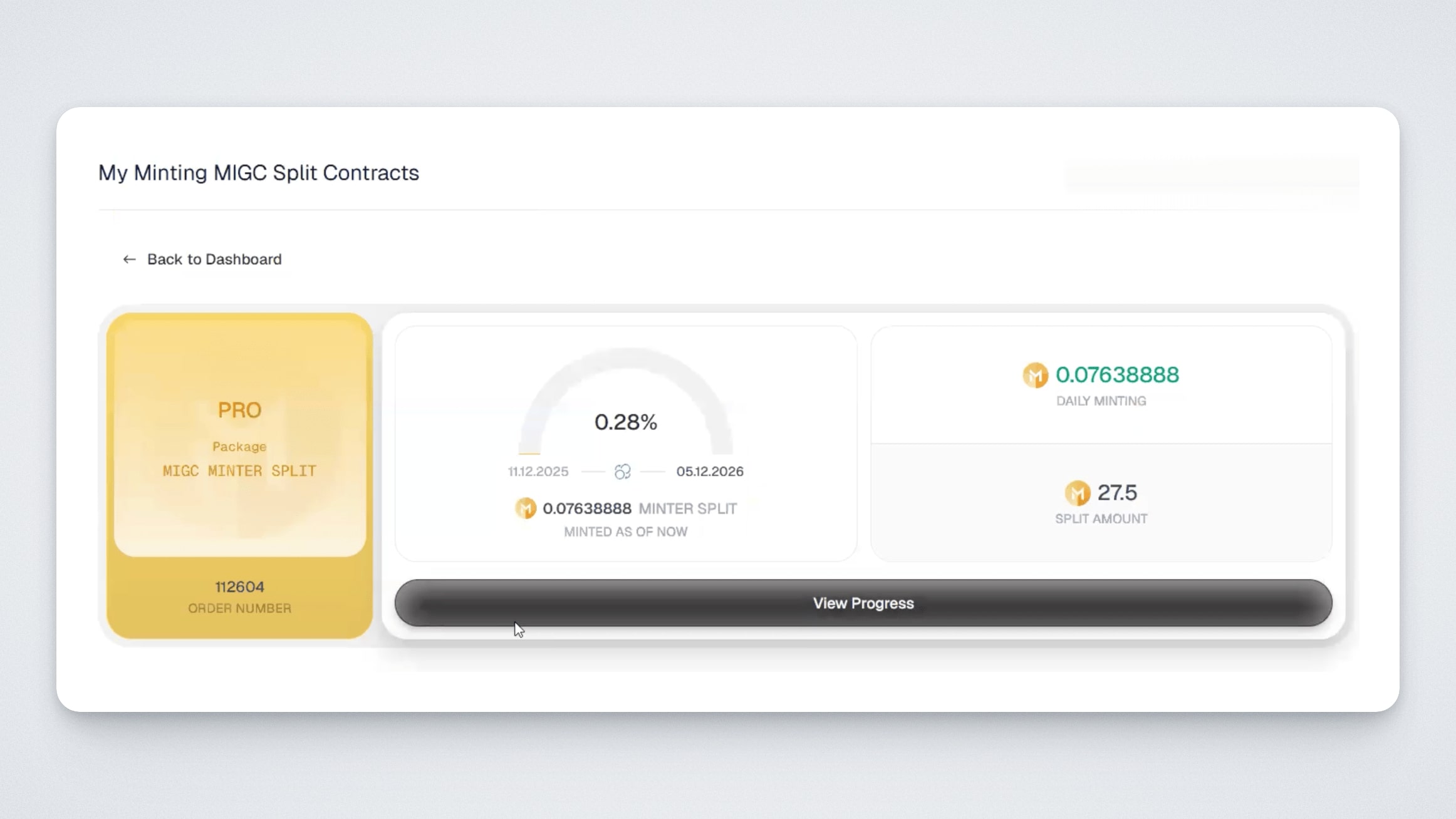
By clicking the “View Progress” button, you will see all transactions broken down by month, which are credited daily to the user’s balance.
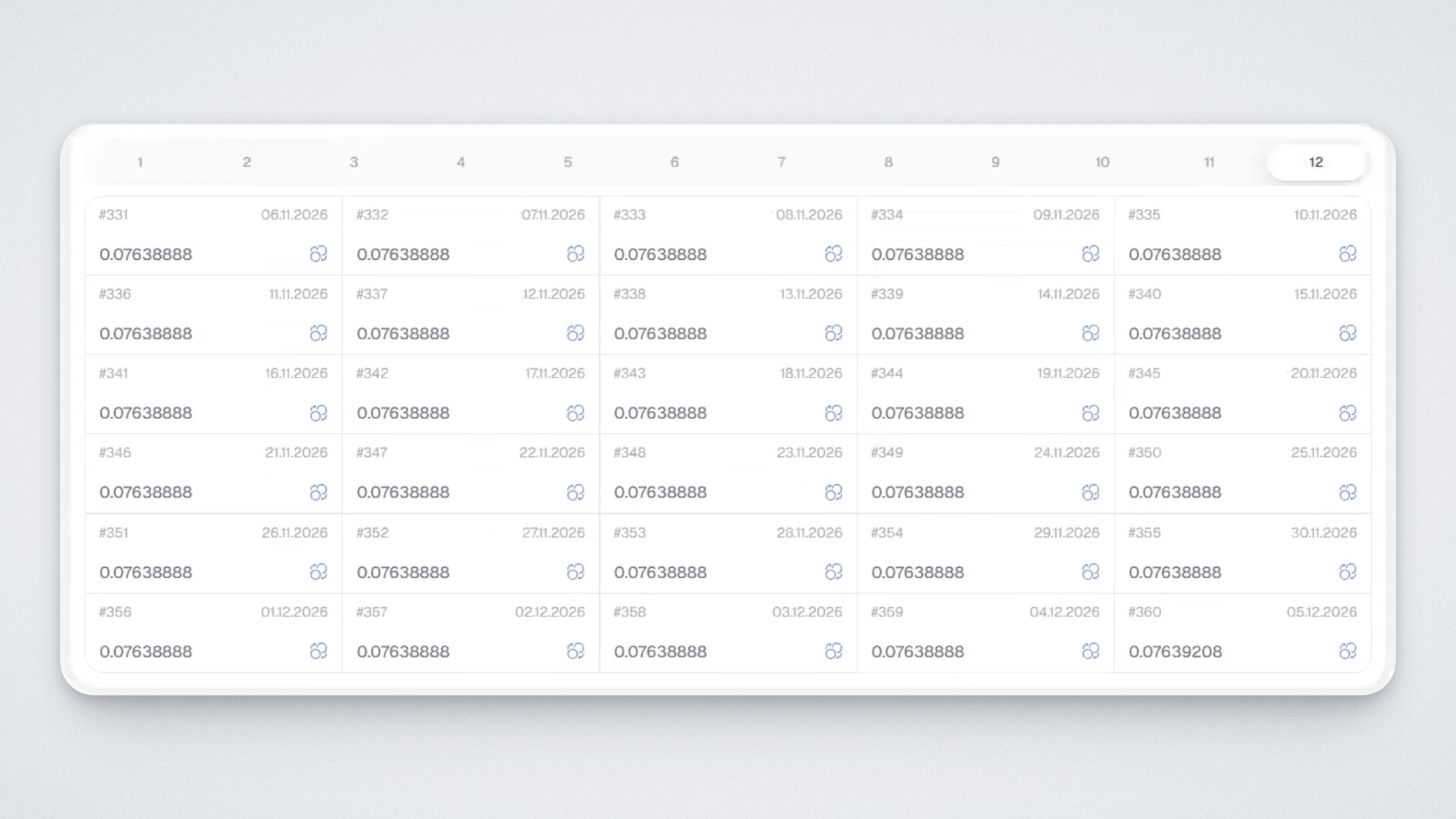
How MIG tokens are withdrawn to a wallet
As soon as splits appear on your balance, the “Payout” button becomes active.
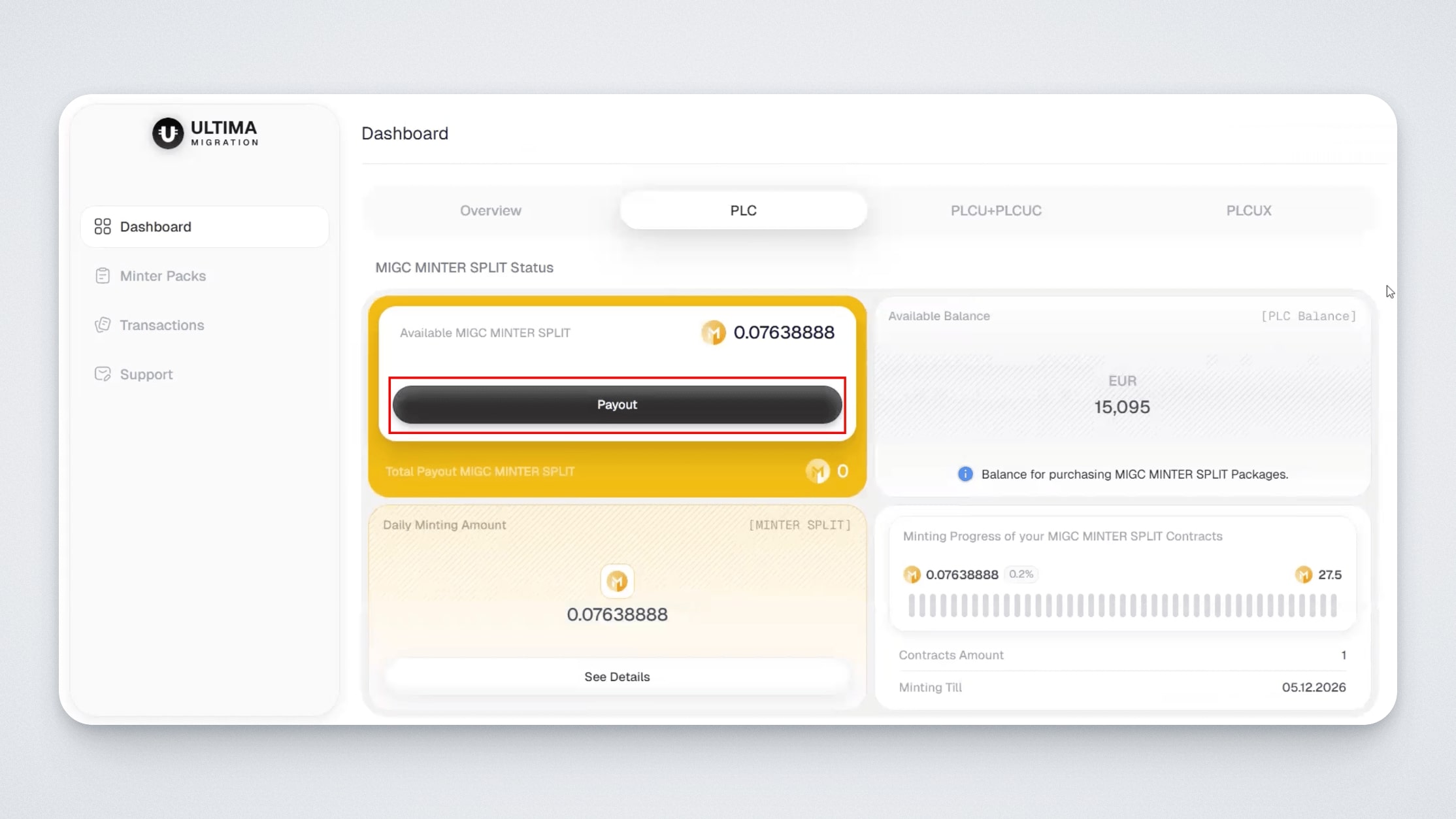
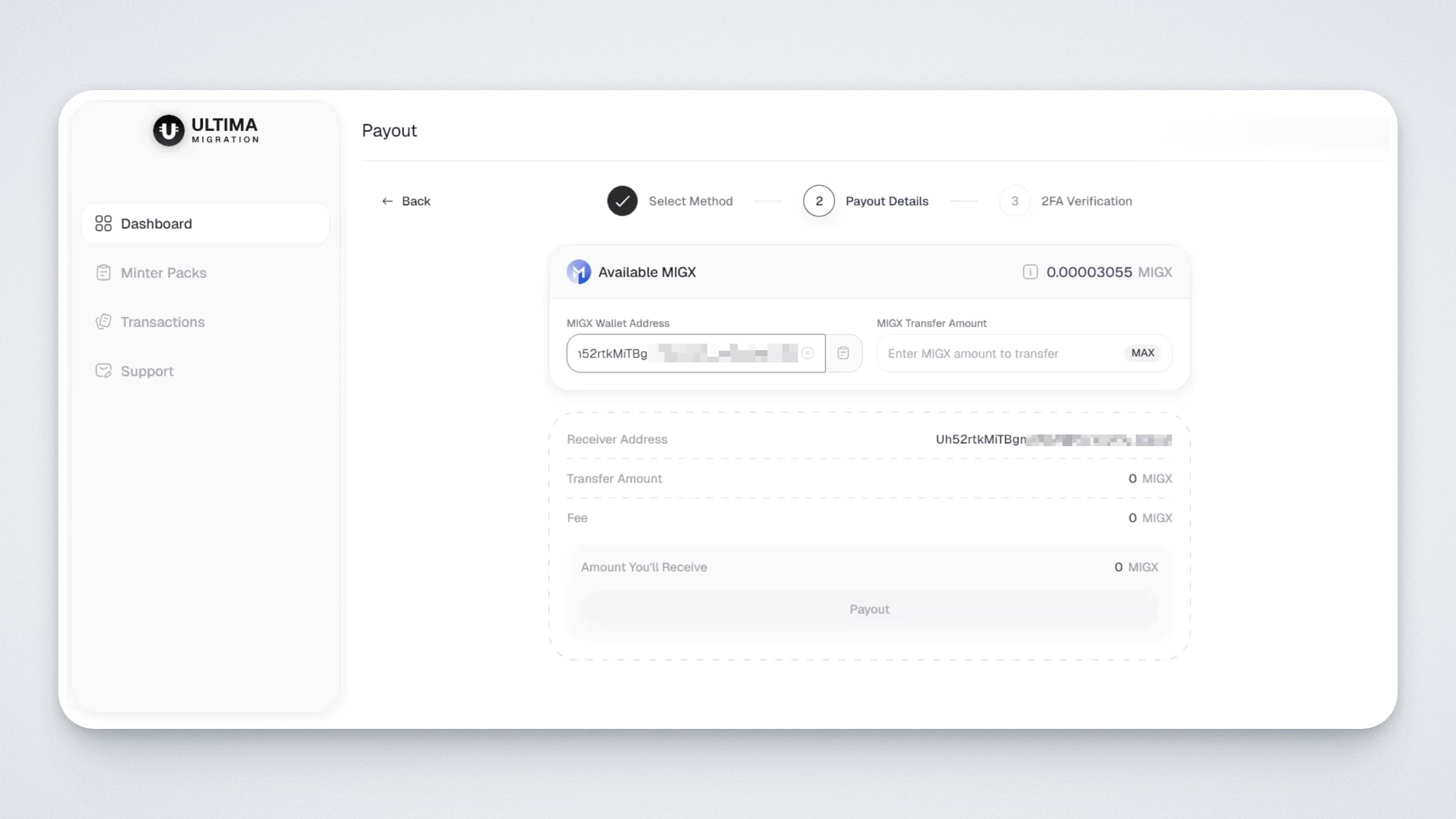
After clicking the “Payout” button, a window will open where you need to enter the corresponding wallet address and specify the withdrawal amount:
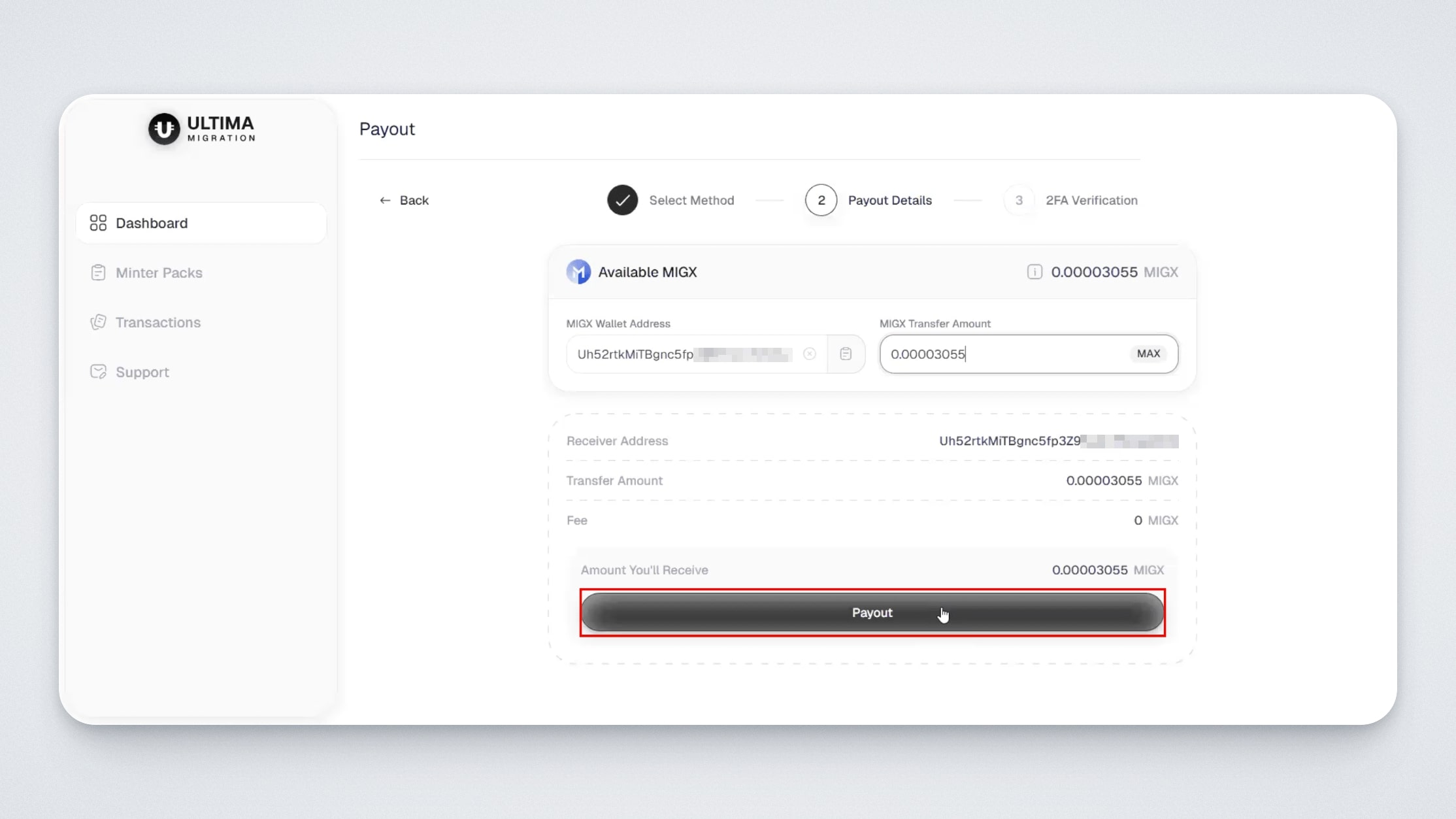
After entering the wallet and amount, click the “Payout” button at the bottom of the screen:
Once the withdrawal is completed, you will see the transaction status (pending / successful), transaction ID, wallet address, amount, and transaction hash. You can use the hash to open the transaction in the explorer:
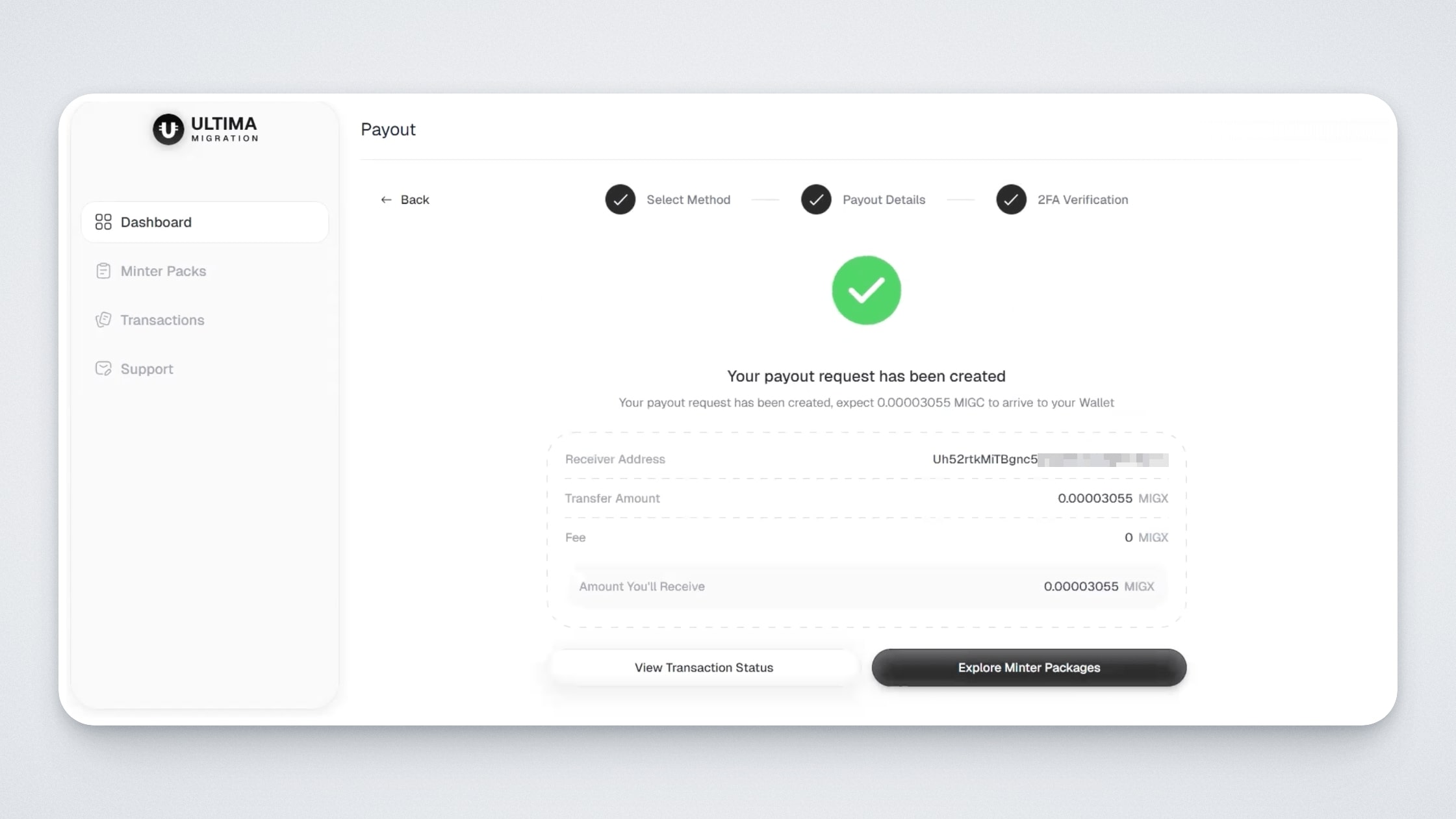
The payout transaction will also appear in the “Transactions” section:
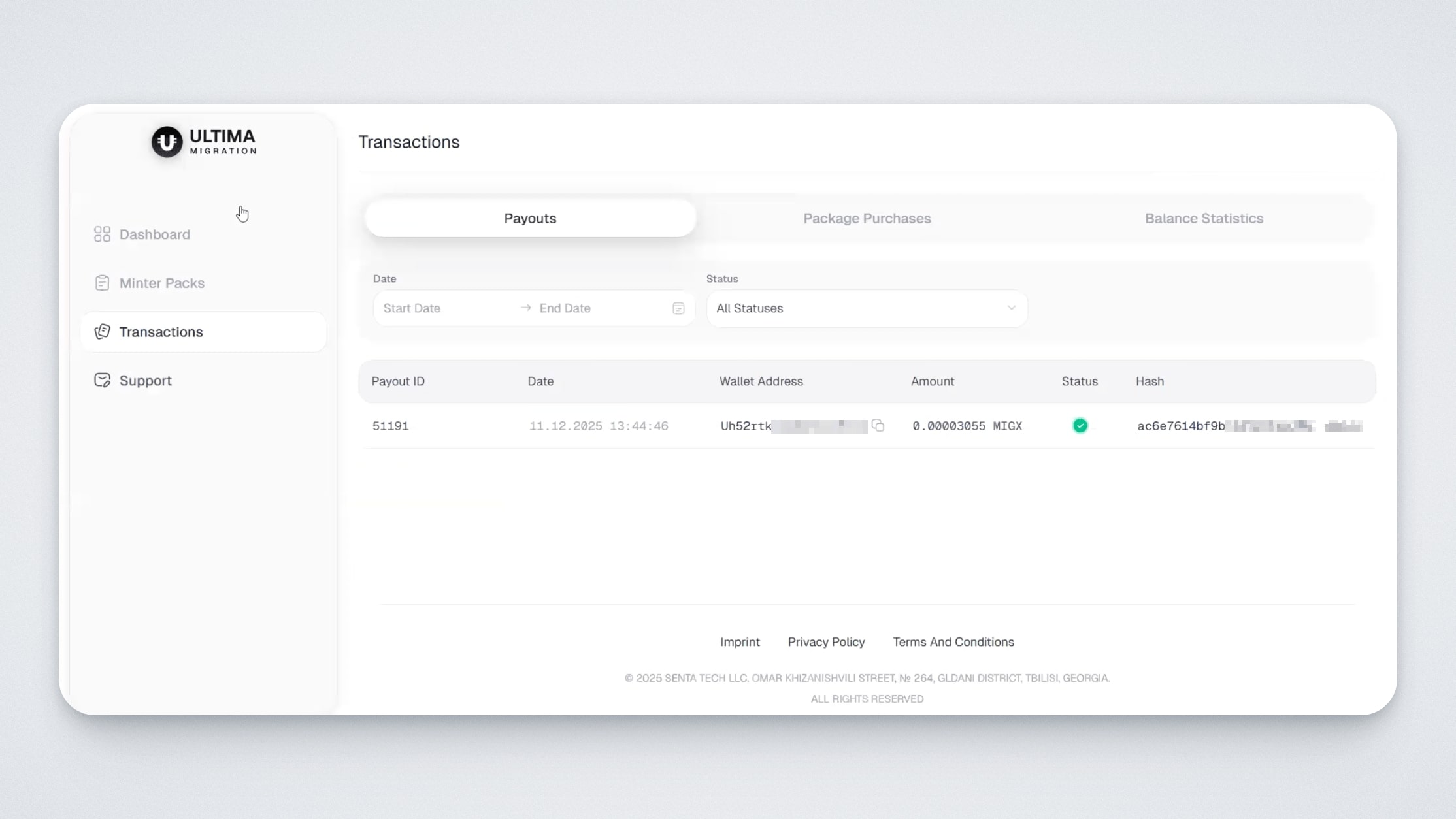
Please note: there are no daily withdrawal limits on the Ultima Migration platform, and no withdrawal fee is charged.
What to do with the received MIG tokens
MIG tokens can be frozen and rewards can be claimed using splitting technology, just like “classic” splits. Currently, this process is available in Smart Wallet (Ultima network), and in the future, splitting will also become available in UWallet on the UChain network.
In this guide, we introduced the Ultima Migration platform and showed how to use it. If you have any questions, you can always contact our support team in the Support section directly on the Ultima Migration website.